How can guests upload to their gallery?

Around 30 minutes before the tour begins, all guests in an album will receive a pre-tour email, inviting them to access the gallery. Once they click the gallery link, they will be prompted to accept the terms of use, community guidelines, and privacy policy as shown below.
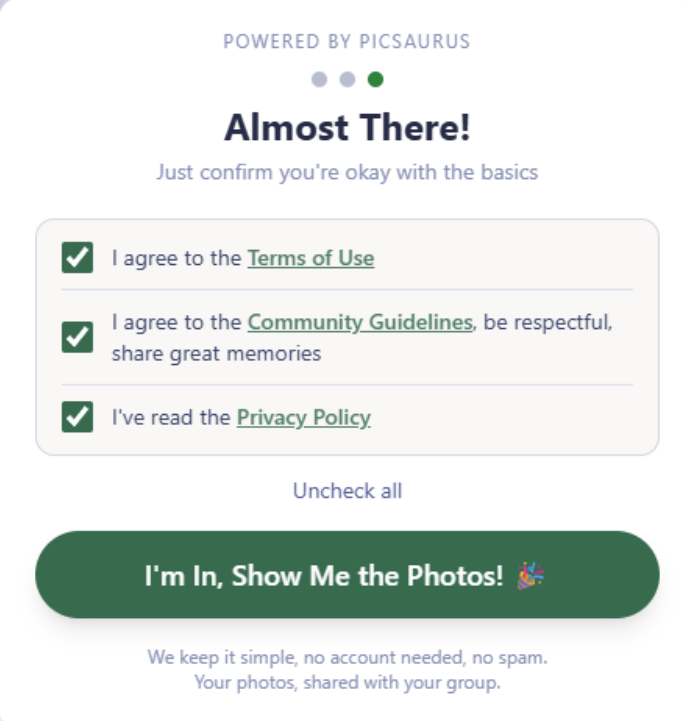
After accepting, the guest will be able to upload their own photos to the gallery, which other guests will also have access to! To upload, simply click the "Upload" button and selected which images you wish to upload. Once selected, click "Upload" to share your photos with the group.
Note: Uploading will only be available through the link provided in the email.
Guides will be able to view which photos were uploaded by guests, and they will also be able to upload to the same album. Guides also have the ability to delete guest uploaded photos in the app.
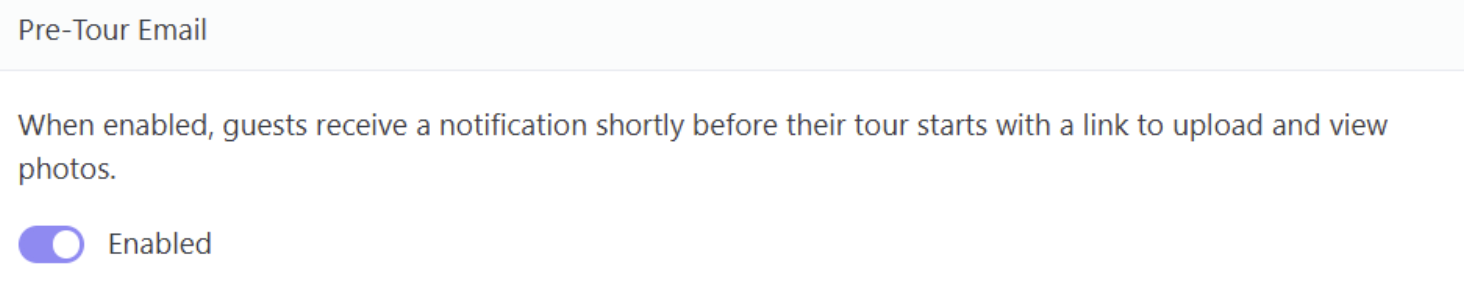
Admins can also view, download, and delete guest uploaded images via the Admin Workspace: https://roar.picsaurus.com/app/in/me/media. If you don't want to send guests pre-tour emails, you can disable them via the Admin Workspace: https://roar.picsaurus.com/app/in/me/misc (shown below) or in the Picsaurus app's account settings.